> ## Documentation Index
> Fetch the complete documentation index at: https://bunnynet-cb9733c2-support-migration.mintlify.site/llms.txt
> Use this file to discover all available pages before exploring further.
# Templates
> Deploy pre-built application templates with Magic Containers.
Templates provide pre-built applications you can deploy with just a few clicks. Each template includes a ready-to-run container image, and some include a sidecar database.
## Deploy a template
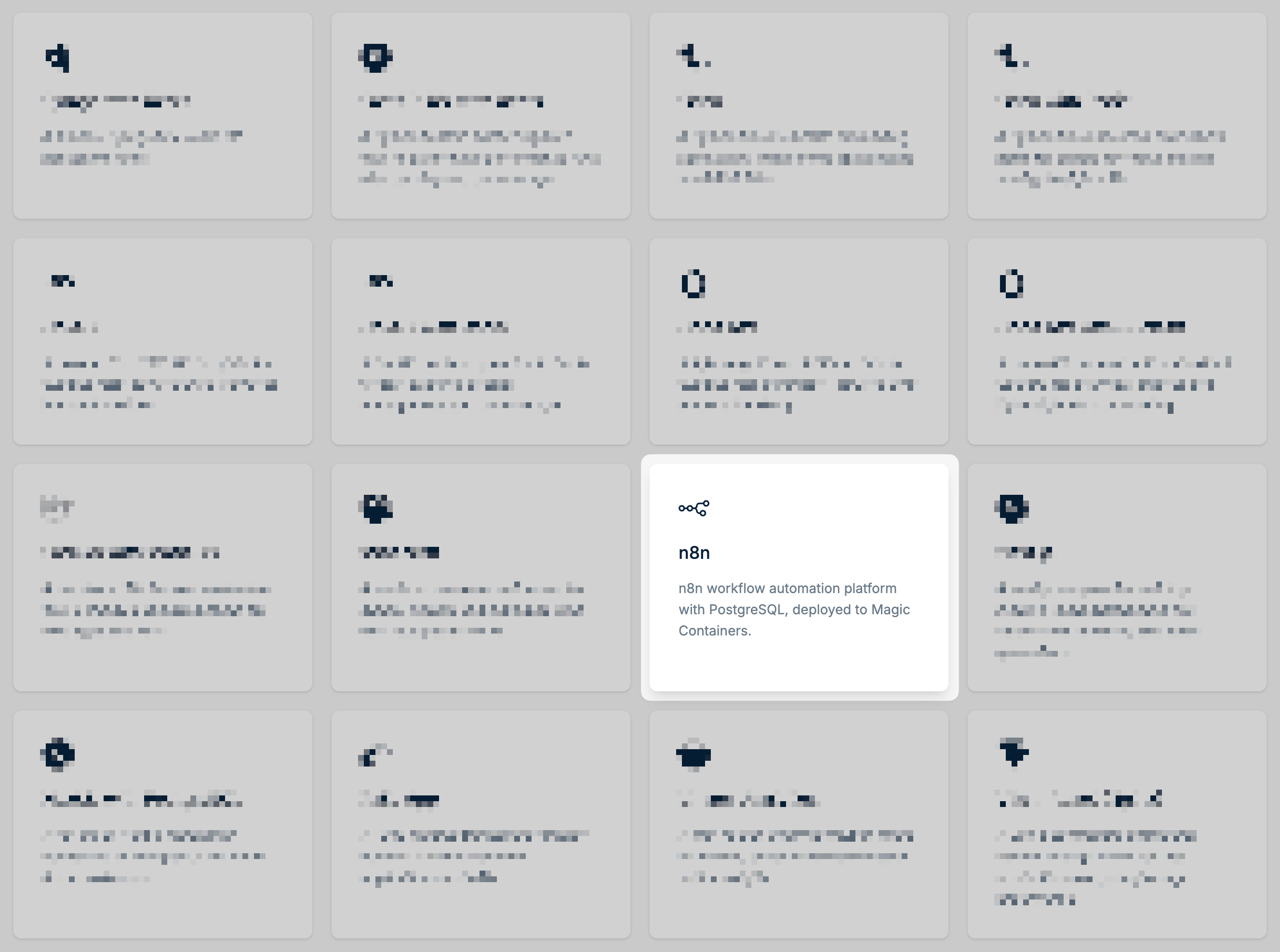
In the bunny.net dashboard, go to **Magic Containers** and select [**Templates**](https://dash.bunny.net/magic-containers/templates). The following templates are available:
**Frameworks**
| Template | Description |
| ------------------------------------------------------------------------------------------------ | ---------------------------------------------------------------------------------------------------------- |
| [Django with Redis](https://dash.bunny.net/magic-containers/templates/django-with-redis-0) | A minimal Django key-value API backed by Redis |
| [FastAPI KV with Redis](https://dash.bunny.net/magic-containers/templates/fastapi-with-redis-0) | A Python FastAPI backend paired with Redis for high-performance APIs with caching and data storage |
| [Flask](https://dash.bunny.net/magic-containers/templates/flask-0) | A Python Flask template for building lightweight, flexible web applications and REST APIs |
| [Flask with Redis](https://dash.bunny.net/magic-containers/templates/flask-with-redis-0) | A Python Flask backend paired with Redis for simple key-value storage and lightweight APIs |
| [Go API](https://dash.bunny.net/magic-containers/templates/go-api-0) | A minimal Go HTTP API template for building high-performance, compiled backend services |
| [Go API with Redis](https://dash.bunny.net/magic-containers/templates/go-api-with-redis-0) | A Go API backend paired with Redis for fast caching, session management, and data storage |
| [Hono API](https://dash.bunny.net/magic-containers/templates/hono-api-0) | A lightweight Hono API template for building fast, minimal HTTP APIs with modern JavaScript |
| [Hono API with DuckDB](https://dash.bunny.net/magic-containers/templates/hono-api-with-duckdb-0) | A Hono API backend with embedded DuckDB for analytical queries and lightweight data processing |
| [Laravel with MariaDB](https://dash.bunny.net/magic-containers/templates/laravel-with-mariadb-0) | A full-stack PHP Laravel application with a MariaDB database, ready for web apps and APIs |
| [Next.js](https://dash.bunny.net/magic-containers/templates/nextjs-0) | A Next.js template for building modern React applications with server-side rendering and static generation |
| [Next.js with PostgreSQL](https://dash.bunny.net/magic-containers/templates/nextjs-with-psql-0) | A full-stack Next.js application connected to PostgreSQL for data-driven web apps |
| [Rails App](https://dash.bunny.net/magic-containers/templates/rails-0) | A Ruby on Rails template for rapidly building full-featured web applications and APIs |
| [Vite + React (Nginx)](https://dash.bunny.net/magic-containers/templates/vite-react-nginx-0) | A Vite-powered React frontend served through Nginx for fast, production-ready single-page applications |
**Apps**
| Template | Description |
| --------------------------------------------------------------------------------- | ------------------------------------------------------------------------------------------- |
| [Minecraft](https://dash.bunny.net/magic-containers/templates/minecraft-0) | A ready-to-run Minecraft server for quickly hosting and managing your own multiplayer world |
| [n8n](https://dash.bunny.net/magic-containers/templates/n8n-with-psql-0) | n8n workflow automation platform with PostgreSQL |
| [Umami Analytics](https://dash.bunny.net/magic-containers/templates/umami-psql-0) | A self-hosted Umami analytics setup for simple, privacy-focused website visitor insights |
| [WordPress](https://dash.bunny.net/magic-containers/templates/wordpress-0) | A self-hosted WordPress CMS with MariaDB |
Click on a template to view its details and begin deployment.
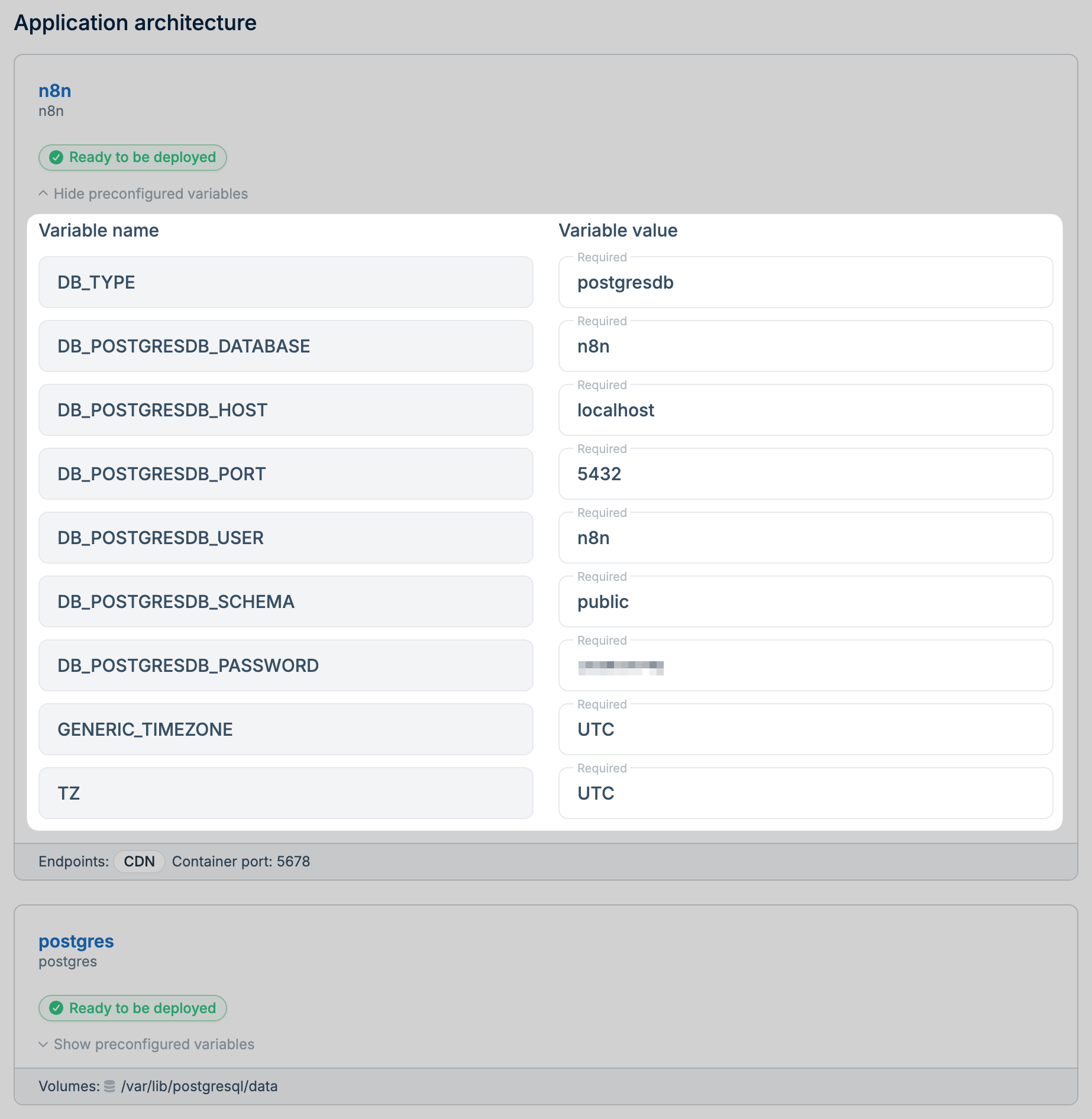
 Give your application a name.
Some templates include configurable environment variables, such as database usernames and passwords. Update these values as needed before deploying.
Give your application a name.
Some templates include configurable environment variables, such as database usernames and passwords. Update these values as needed before deploying.
 Select the region where you want to deploy your application.
Click **Deploy** to launch your application.
## Eject to GitHub
Templates that include application code and a sidecar database can be ejected to GitHub, giving you full control over the source code.
From the **Magic Containers** apps overview, select the app you deployed from a template.
Click **Eject to GitHub** and connect your GitHub account if you haven't already.
After ejecting, configure an [image registry](/magic-containers/image-registries) so Magic Containers can fetch your container images from GitHub.
Select the region where you want to deploy your application.
Click **Deploy** to launch your application.
## Eject to GitHub
Templates that include application code and a sidecar database can be ejected to GitHub, giving you full control over the source code.
From the **Magic Containers** apps overview, select the app you deployed from a template.
Click **Eject to GitHub** and connect your GitHub account if you haven't already.
After ejecting, configure an [image registry](/magic-containers/image-registries) so Magic Containers can fetch your container images from GitHub.