> ## Documentation Index
> Fetch the complete documentation index at: https://bunnynet-cb9733c2-support-migration.mintlify.site/llms.txt
> Use this file to discover all available pages before exploring further.
# Integrations
> Manage connected GitHub accounts and linked scripts.
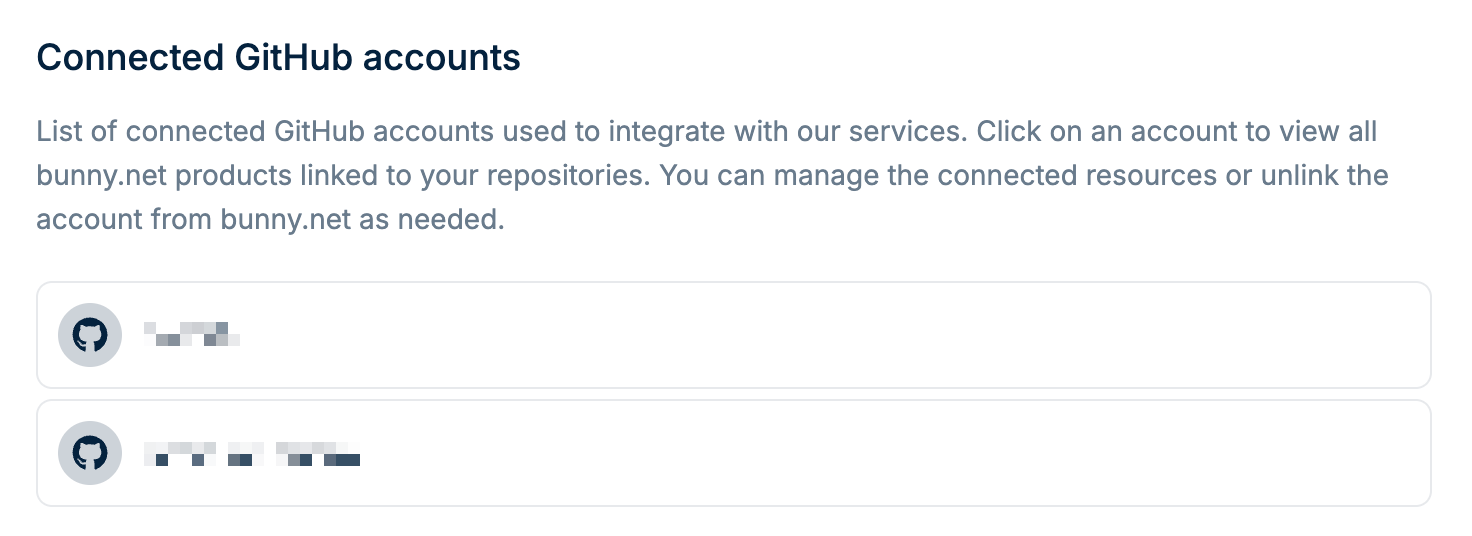
The [Integrations](https://dash.bunny.net/account/integrations) page shows your connected GitHub accounts and any scripts linked to them.
 ## Connected GitHub accounts
When you connect a GitHub account, you can deploy Edge Scripts directly from your repositories. Each connected account shows the scripts that are linked to it.
## Viewing connected scripts
Click on a connected GitHub account to see the scripts linked to it.
## Unlinking a GitHub account
To disconnect a GitHub account, click on it and select **Unlink**. This removes the connection between your bunny.net account and GitHub.
Unlinking a GitHub account does not delete your Edge Scripts. The scripts will
remain but will no longer sync with your repository.
## Connected GitHub accounts
When you connect a GitHub account, you can deploy Edge Scripts directly from your repositories. Each connected account shows the scripts that are linked to it.
## Viewing connected scripts
Click on a connected GitHub account to see the scripts linked to it.
## Unlinking a GitHub account
To disconnect a GitHub account, click on it and select **Unlink**. This removes the connection between your bunny.net account and GitHub.
Unlinking a GitHub account does not delete your Edge Scripts. The scripts will
remain but will no longer sync with your repository.